
Process and stages
My work
See every entry waiting for you across your forms, from approvals you've been asked for to overdue entries, and act on each one from one list.
My work lists the entries that need you, across every form in the account: approvals you’ve been asked for, overdue entries, entries you own and entries waiting unassigned in your groups.
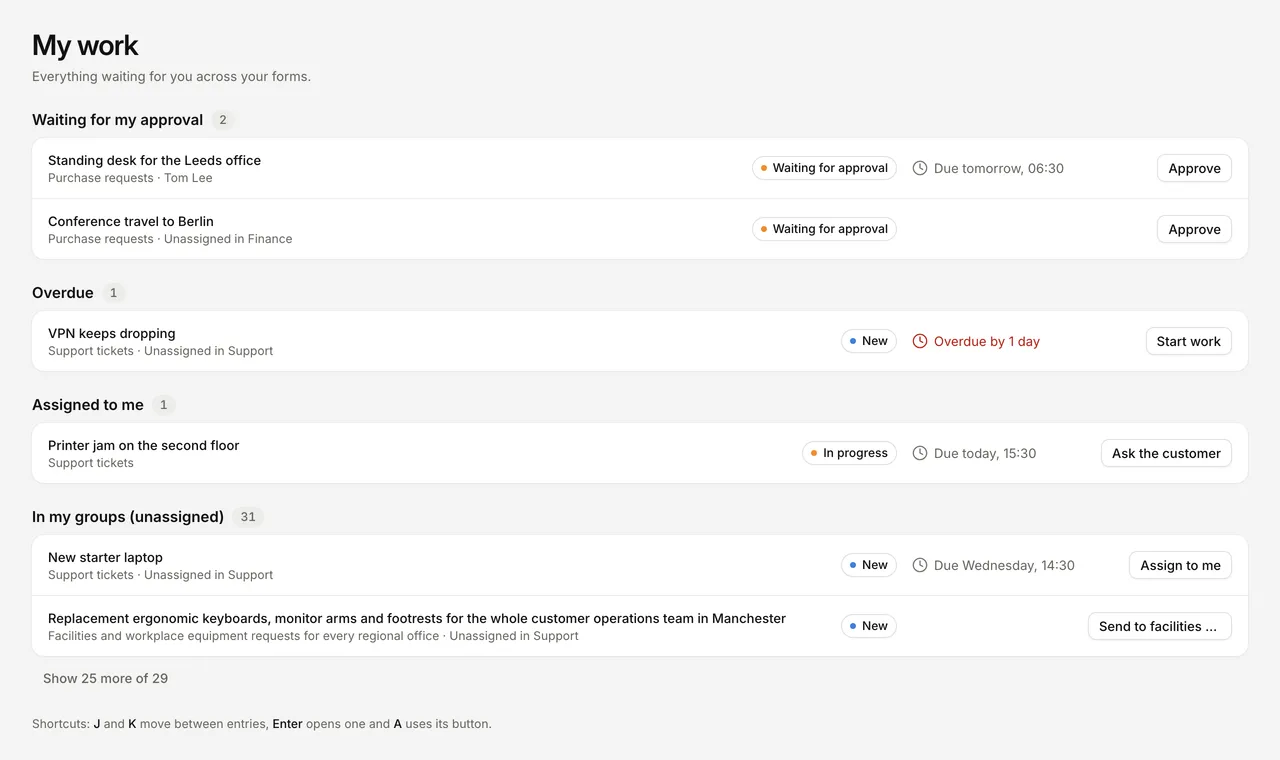
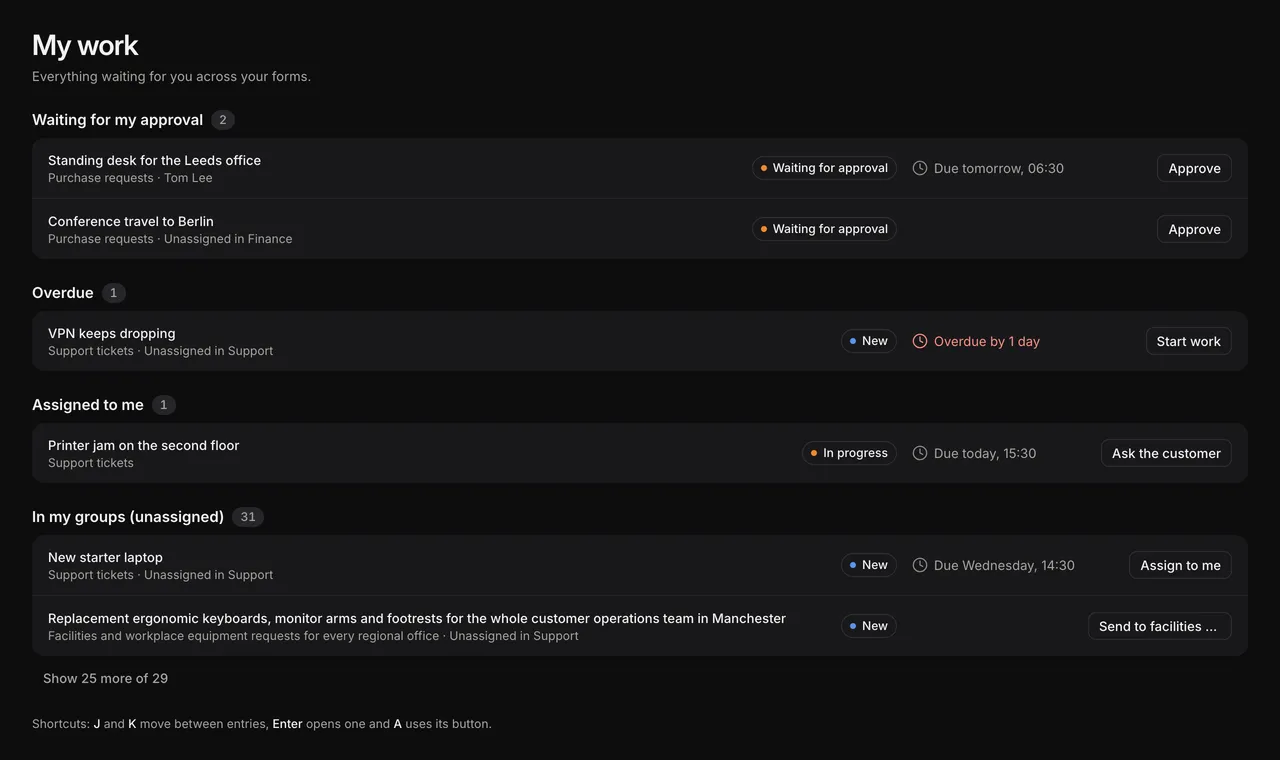
My work appears in the sidebar once a form in the account has a published process. With nothing to do, it says “Nothing waiting for you.”
What’s in My work
Entries are grouped in this order. Each entry appears once, in the first group that fits.
| Group | Entries |
|---|---|
| Waiting for my approval | Approval requests sent to you that you haven’t decided and whose link still works |
| Overdue | Overdue entries you own, or that are unassigned in one of your groups |
| Assigned to me | Entries you own |
| In my groups (unassigned) | Entries owned by one of your groups that nobody in it has taken yet |
Within a group, the entry due soonest comes first, then the one that has been in its stage longest. Each group shows a page at a time; select the button under it, such as “Show 25 more of 29”, to see the rest.
Only open and waiting stages of published processes count, so entries in closed stages and preview entries on a draft don’t appear. Account admins see their own work, not everyone’s.
Act on an entry
Each row shows the entry’s title, its form, its owner if that isn’t you, its stage and when it is due. Select the title to open the entry; its page has a link back to My work.
Each row has one button:
| Button | When |
|---|---|
| Approve | The entry is waiting for your approval. If the stage asks for a comment when approving, a dialog asks for one. To reject, open the entry. |
| The stage’s first action you can use, such as Mark as done | The entry is yours or in your group, and its stage has an action you can use. Actions that ask for a comment or confirmation open a dialog first. |
| Assign to me | The entry is unassigned in your group and you can’t use any of its actions. |
The row leaves the list once you’ve acted. If the move started nothing else, the message offers Undo.
Keyboard shortcuts
| Key | Does |
|---|---|
| J | Next entry |
| K | Previous entry |
| Enter | Open the entry |
| A | Use the entry’s button |
The sidebar badge
The number next to My work counts your own work: approvals waiting for you, entries assigned to you and overdue entries. Entries unassigned in your groups only count once they are overdue. The badge’s dot turns red when anything is overdue.
When you’re away
If you’ve marked yourself as away, My work shows “You’re marked as away until” the date, with I’m back. See Mark yourself as away.